
Canva Photo Booth Templates
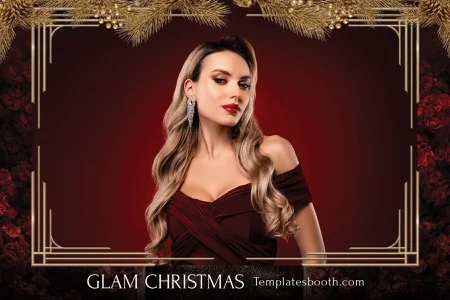
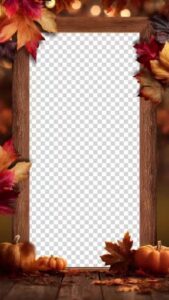
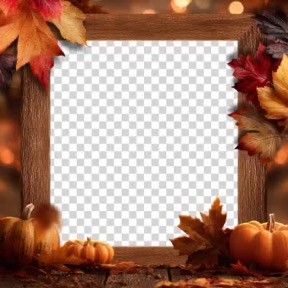
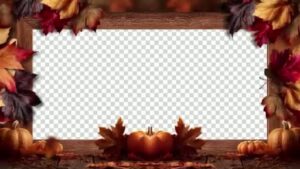
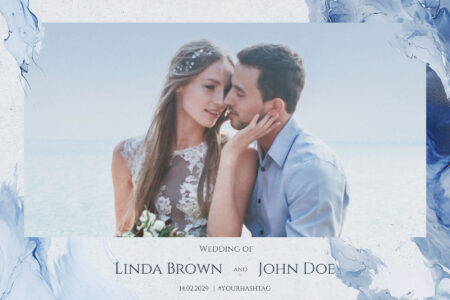
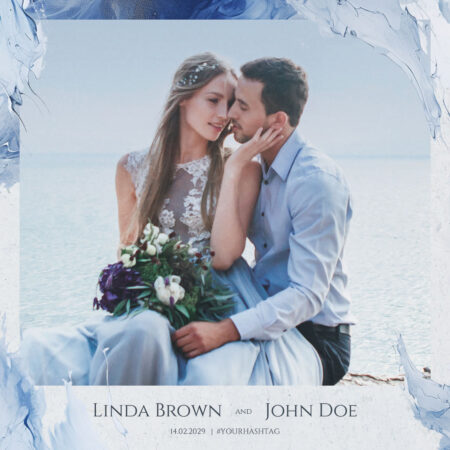
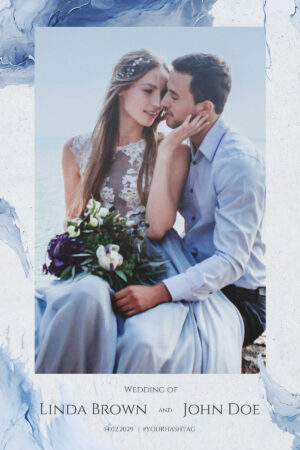
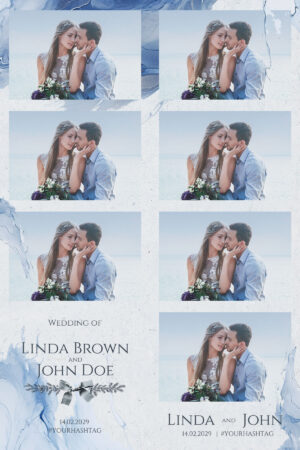
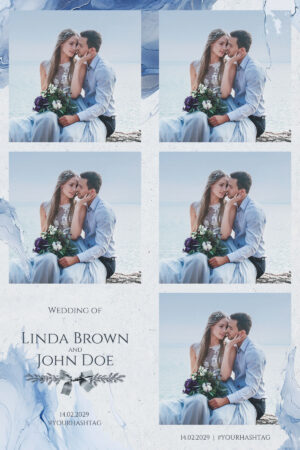
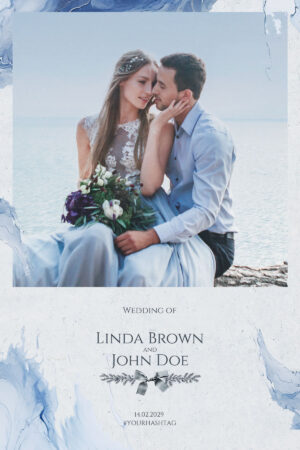
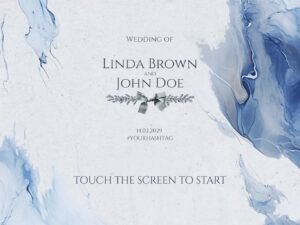
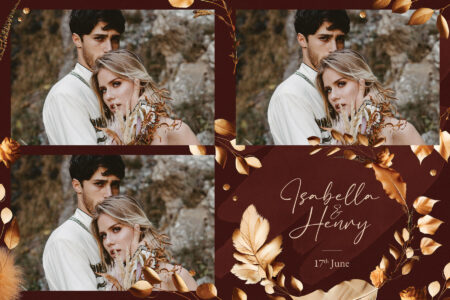
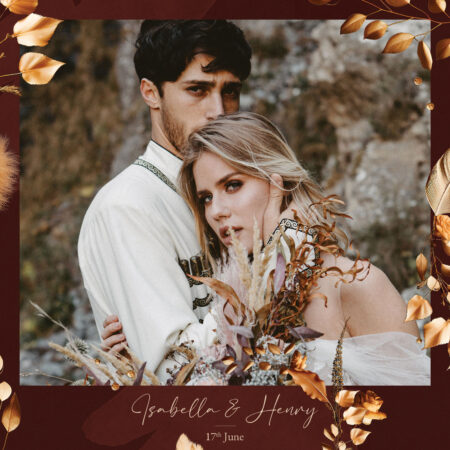
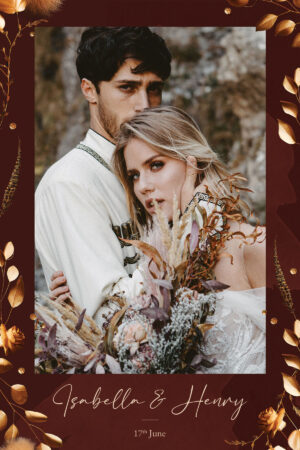
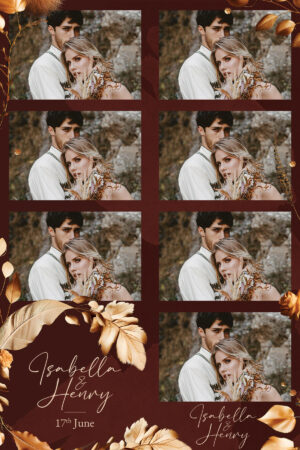
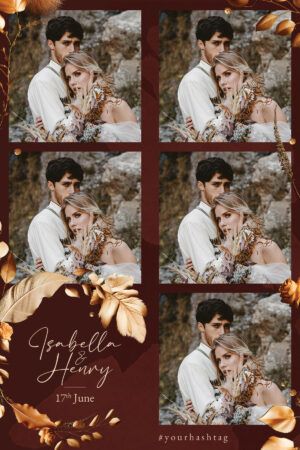
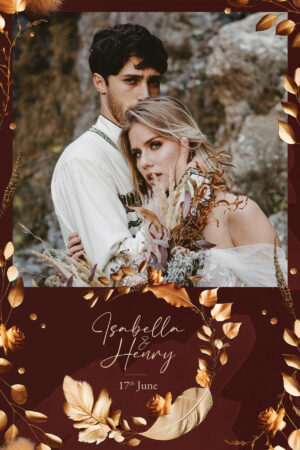
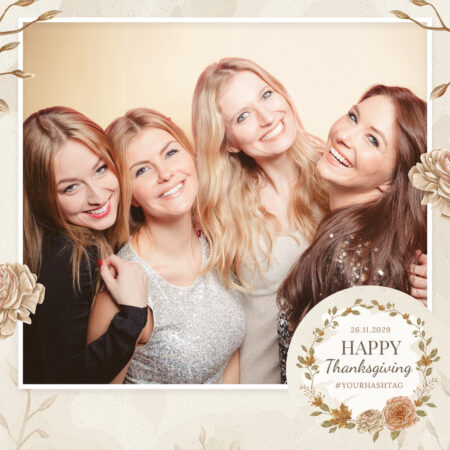
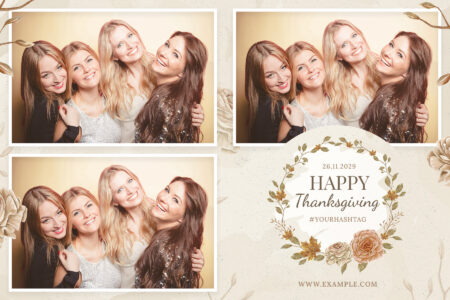
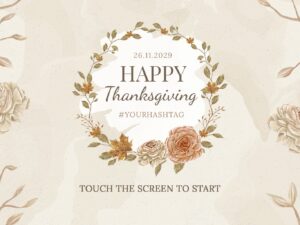
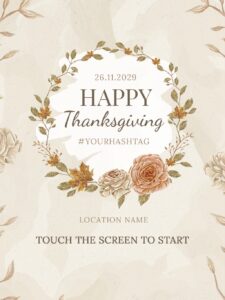
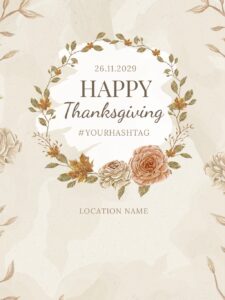
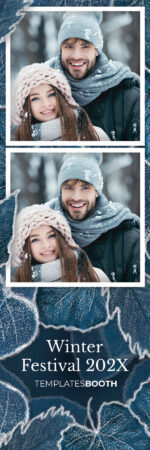
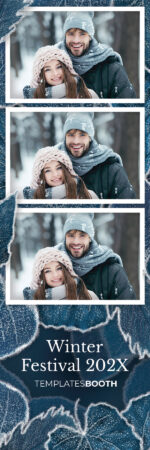
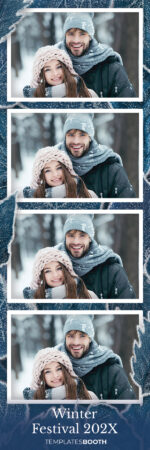
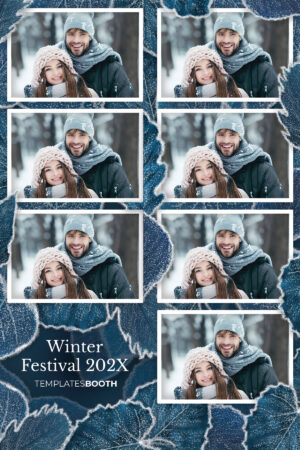
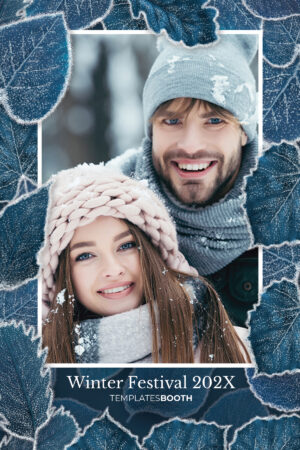
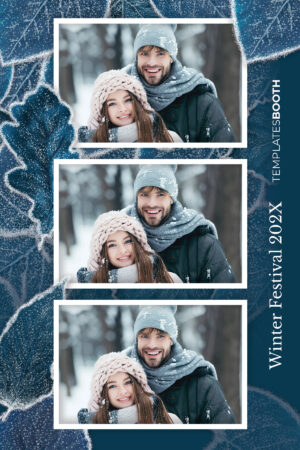
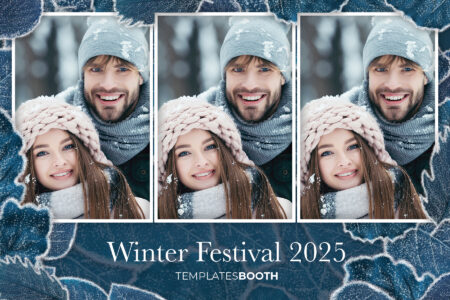
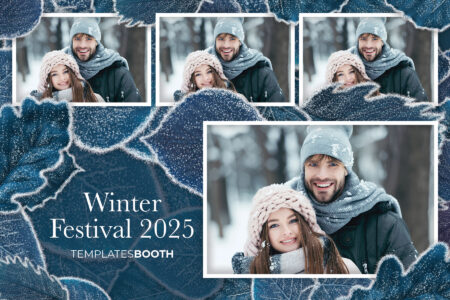
Every one of our 23,000+ photo booth templates is ready to edit in Canva: 2x6 photo strip templates, 4x6 photo booth frames, welcome screens and more. Pick a design, press “Edit in Canva” and it opens in your Canva account, ready for your names, dates and colours.
No design software needed. Customise your layout in Canva, download it and load it into DSLR Booth, LumaBooth, Darkroom Booth or any other photo booth app. Looking for free Canva photo booth templates? Start with our 1,000+ free designs.
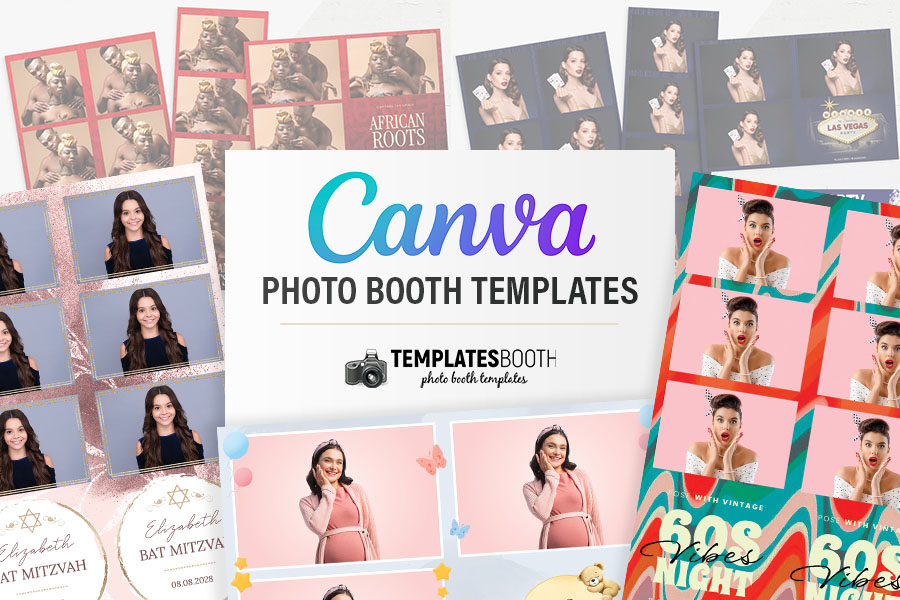
- Every template opens in Canva
- Edit in your browser
- 2x6 photo strips & 4x6 frames
- Matching welcome screens
- Free Canva templates to try
Works with:


- + More!

Showing 23,161 out of 23,221 items
-
⚡ Trending!

-
⚡ Trending!

-
⚡ Trending!

-
⚡ Trending!
-
⚡ Trending!

-
⚡ Trending!

-
⚡ Trending!

-
⚡ Trending!

-
⚡ Trending!

-
⚡ Trending!
-
⚡ Trending!

-
⚡ Trending!
-
⚡ Trending!

-
⚡ Trending!

-
⚡ Trending!

-
⚡ Trending!

-
⚡ Trending!

-
⚡ Trending!
-
⚡ Trending!
-
⚡ Trending!
-
⚡ Trending!
-
⚡ Trending!
-
⚡ Trending!
-
⚡ Trending!

-
⚡ Trending!
-
⚡ Trending!
-
⚡ Trending!
-
⚡ Trending!
-
⚡ Trending!

-
⚡ Trending!
-
⚡ Trending!
-
⚡ Trending!
-
⚡ Trending!
-
⚡ Trending!
-
⚡ Trending!
-
⚡ Trending!
-
⚡ Trending!
-
⚡ Trending!
-
⚡ Trending!
-
⚡ Trending!
-
⚡ Trending!
-
⚡ Trending!
-
⚡ Trending!
-
⚡ Trending!
-
⚡ Trending!

-
⚡ Trending!
-
⚡ Trending!
-
⚡ Trending!
-
⚡ Trending!
-
⚡ Trending!
-
⚡ Trending!
-
⚡ Trending!
-
⚡ Trending!
-
⚡ Trending!
-
⚡ Trending!
-
⚡ Trending!
-
⚡ Trending!
-
⚡ Trending!
-
⚡ Trending!
-
⚡ Trending!
-
⚡ Trending!
-
⚡ Trending!
-
⚡ Trending!
-
⚡ Trending!
-
⚡ Trending!
-
⚡ Trending!
-
⚡ Trending!
-
⚡ Trending!
-
⚡ Trending!
-
⚡ Trending!
-
⚡ Trending!
-
⚡ Trending!
-
⚡ Trending!
-
⚡ Trending!
-
⚡ Trending!
-
⚡ Trending!
-
⚡ Trending!

-
⚡ Trending!
-
⚡ Trending!
-
⚡ Trending!
-
⚡ Trending!
-
⚡ Trending!
-
⚡ Trending!
-
⚡ Trending!
-
⚡ Trending!
-
⚡ Trending!
-
⚡ Trending!
-
⚡ Trending!
-
⚡ Trending!
-
⚡ Trending!
-
⚡ Trending!
-
⚡ Trending!
-
⚡ Trending!
-
⚡ Trending!
-
⚡ Trending!
-
⚡ Trending!
-
⚡ Trending!
-
⚡ Trending!
-
⚡ Trending!
-
⚡ Trending!
-
⚡ Trending!
-
⚡ Trending!
-
⚡ Trending!
-
⚡ Trending!
-
⚡ Trending!
-
⚡ Trending!
-
⚡ Trending!
-
⚡ Trending!
-
⚡ Trending!
-
⚡ Trending!
-
⚡ Trending!
-
⚡ Trending!
-
⚡ Trending!
-
⚡ Trending!
-
⚡ Trending!
-
⚡ Trending!
-
⚡ Trending!
-
⚡ Trending!
-
⚡ Trending!
-
⚡ Trending!
-
⚡ Trending!
-
⚡ Trending!
-
⚡ Trending!
-
⚡ Trending!
-
⚡ Trending!
-
⚡ Trending!
-
⚡ Trending!
-
⚡ Trending!
-
⚡ Trending!
-
⚡ Trending!
-
⚡ Trending!
-
⚡ Trending!
-
⚡ Trending!
-
⚡ Trending!
-
⚡ Trending!
-
⚡ Trending!
-
⚡ Trending!
-
⚡ Trending!
-
⚡ Trending!
-
⚡ Trending!
-
⚡ Trending!
-
⚡ Trending!
-
⚡ Trending!
-
⚡ Trending!
-
⚡ Trending!
-
⚡ Trending!
-
⚡ Trending!
-
⚡ Trending!
-
⚡ Trending!
-
⚡ Trending!
-
New!
-
New!
-
New!
-
New!
-
New!
-
New!
-
New!
-
New!
-
New!
-
New!
-
New!
-
New!
-
New!
-
New!
-
New!
-
New!
-
New!
-
New!
-
New!
-
New!
-
New!
-
New!
-
New!
-
New!
-
New!
-
New!
-
New!
-
New!
-
New!
-
New!
-
New!
-
New!
-
New!
-
New!
-
New!
-
New!
-
New!
-
New!
-
New!
-
New!
-
New!
-
New!
-
New!
-
New!
-
New!
-
New!
-
New!
-
New!
-
New!
-
New!











































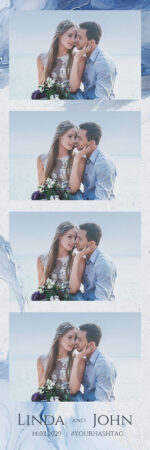
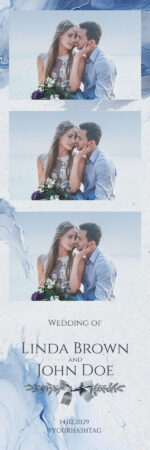


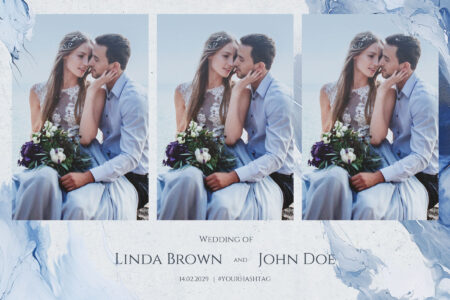
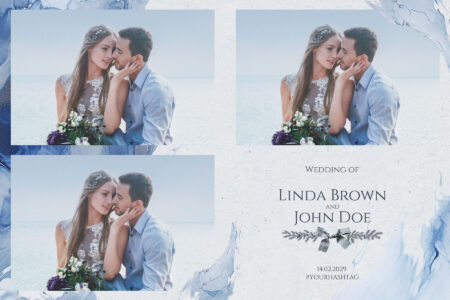










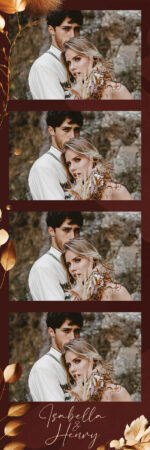

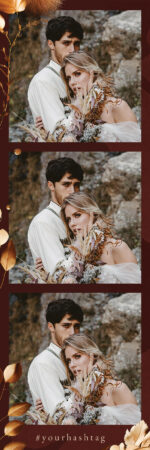

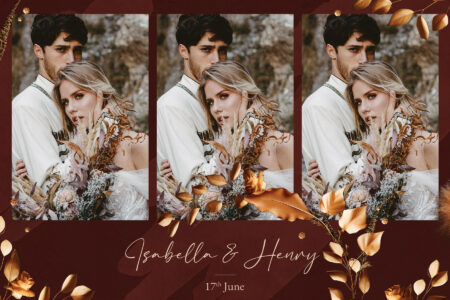




































































Loading more results... End of content No more pages to load
Loading template…

Canva Photo Booth Templates for Every Event
Weddings, birthdays, graduations, corporate events and every holiday in between: every template in our library opens in Canva, so you never have to wait for a “Canva version” of the design you want.
What you can edit in Canva:
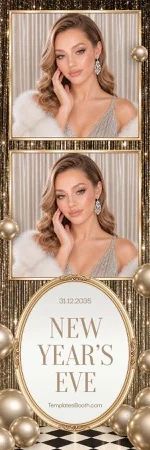
- 2x6 photo strip templates, which open as a print-ready 4x6 sheet with two strips side by side
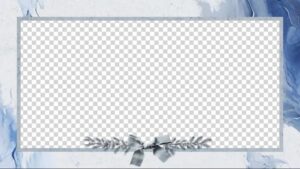
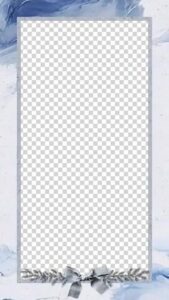
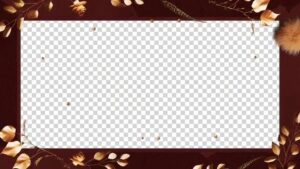
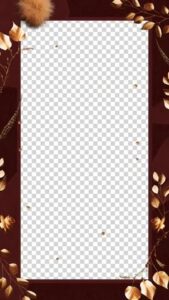
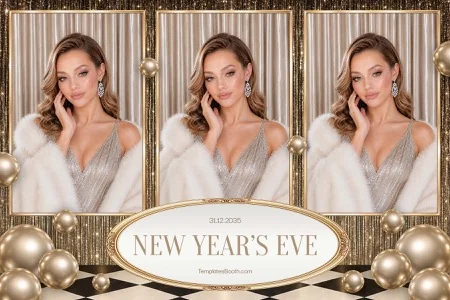
- 4x6 photo booth frames in portrait and landscape
- Welcome screens that match each print layout
- Trading card photo booth templates and themed collections

How to Edit a Photo Booth Template in Canva
Open any template and press Edit in Canva. You’ll see every layout in the set. Press Open on the one you want, then View template on Canva, and the design is copied into your own Canva account.
From there, change the names, date, fonts and colours like any other Canva design. When it’s ready, download it as a PNG and add it to your photo booth software as an overlay. Transparent backgrounds need Canva Pro; our guide to saving a transparent PNG from Canva walks you through it.
Stuck? Our support team will help you get your template working.

Free Canva Photo Booth Templates, and Unlimited Access
Try before you join: our free photo booth templates include Canva links too. Unlock one with your email address and see exactly how editing works.
A TemplatesBooth membership unlocks the Canva link on every design in the library, plus the DSLR Booth, LumaBooth, Darkroom Booth and Photoshop files and matching welcome screens. New designs are added every week.
The Largest Collection of Photo Booth Templates on the Internet
Join TemplatesBooth today and get instant, unlimited access to 23,000+ premium photo booth layouts, animated templates & welcome screens — with new designs added every week.
Join Now & Start Downloading


